Production Run
A production run is created by selecting a Product/SKU and specifying a corresponding Work Order (WO) and/or LOT#. It can include one (1) to three (3) of these attributes.
Additional information like planned quantity or number of employees can be included in a production run, but are optional.
On this page you will learn How to:
- Create a Production Run
- Edit a Production Run
- Delete a Production Run
- Navigate by Production Run
Create a Production Run
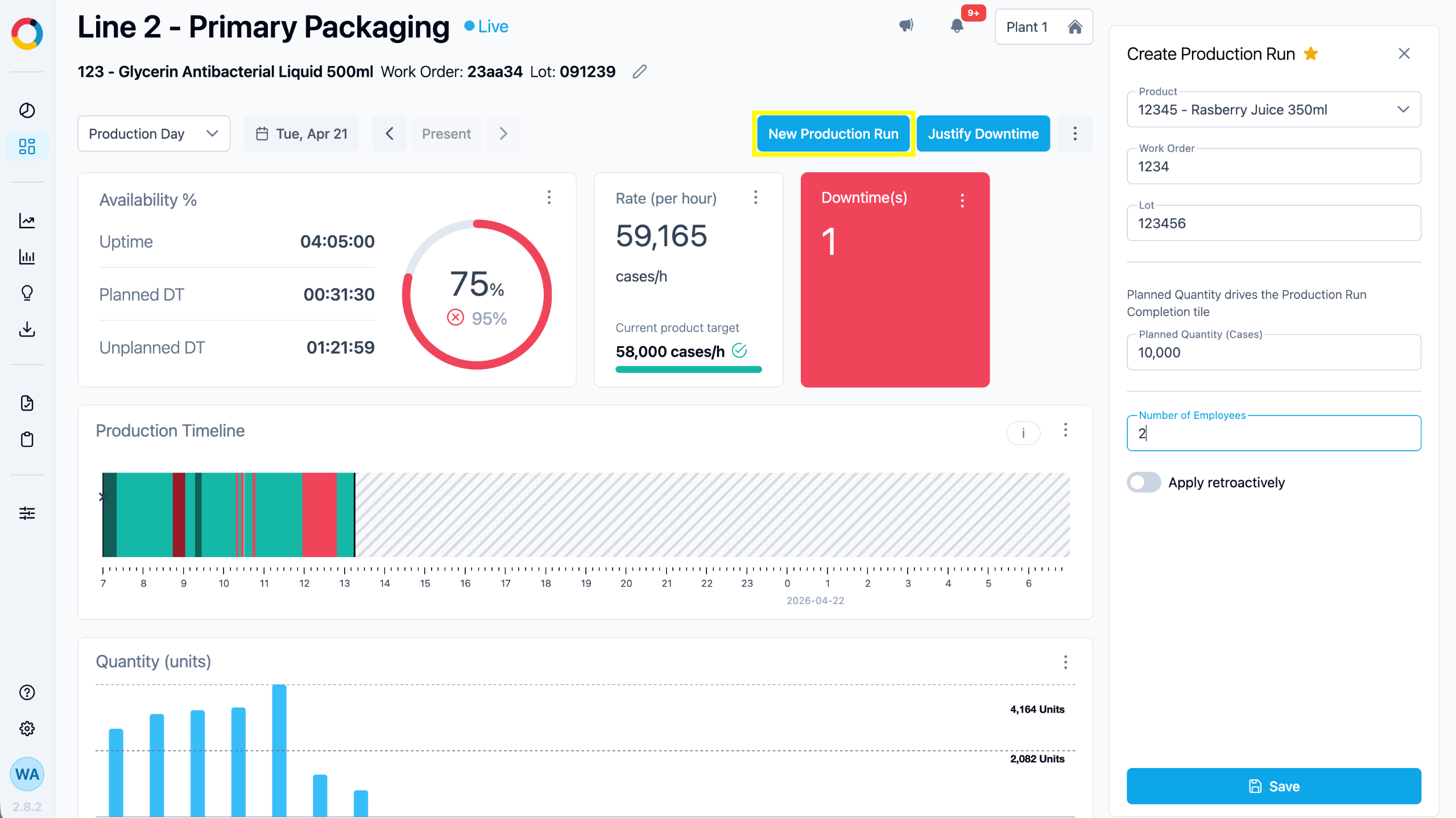
On the Production Unit Dashboard, click the “New Production Run” button. A “New Production Run” panel box will open.
Enter the production run information and click "Submit".
A NEW PRODUCTION RUN is created each time a user enters a different WO, Lot #, or SKU in this dialogue box. This is visually presented on
the Production Unit Dashboard timeline via a new marker (black triangle).
Edit a Production Run
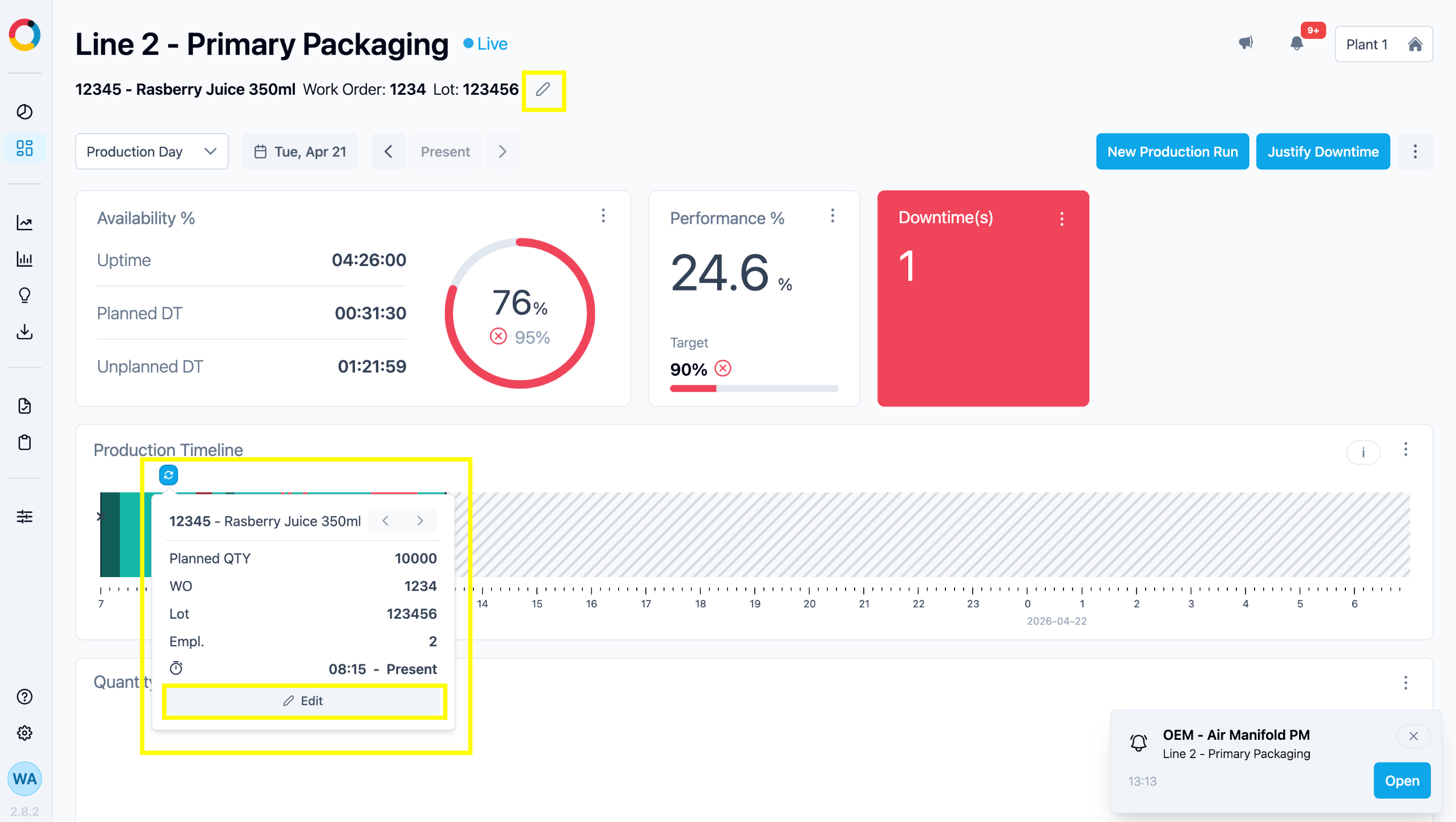
To edit a Production Run click on the marker (blue triangle with arrows) on the timeline of a Production Unit Dashboard and select ‘Edit’. The ‘Modify Production Run’ panel will open, allowing users to make changes, including retroactive start time.
A Live production can also be modified by clicking on the pencil next to the Product name at the top of the Line Dashboard.
Note that if optional fields like WO, LOT, Number of Employees , or Planned Quantity are left empty, related info won't display in the tooltip.
To avoid production gaps and inaccuracies the start time of a Production Run will automatically be the end time for the previous Production Run.
Delete a Production Run
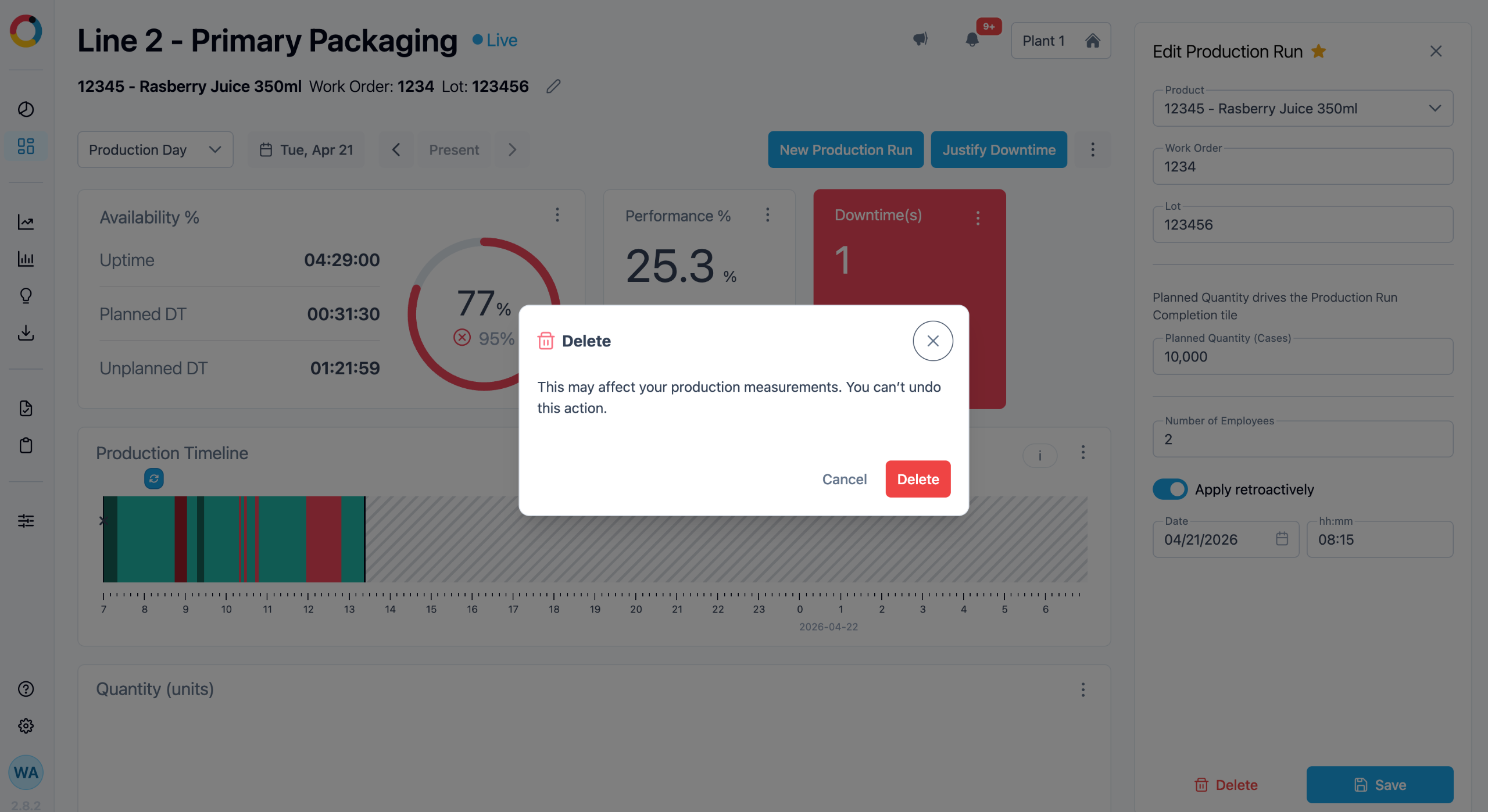
To delete a Production Run, click the timeline marker (blue triangle with arrows), select Edit, then click Delete at the bottom of the panel.
A confirmation message to delete the desired production run will appear.
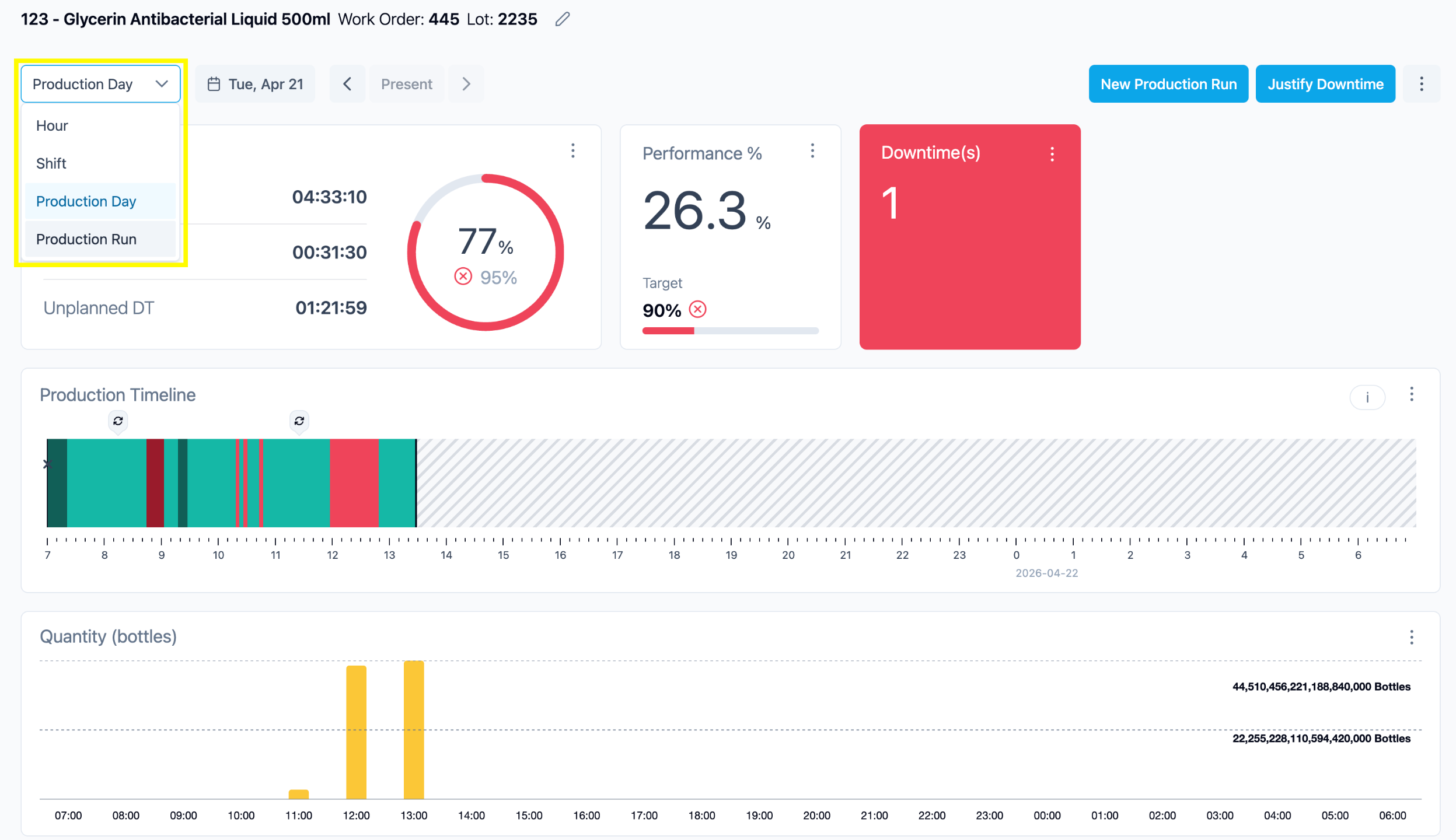
This functionality grants users the capability to delve into their production data with a heightened level of granularity.
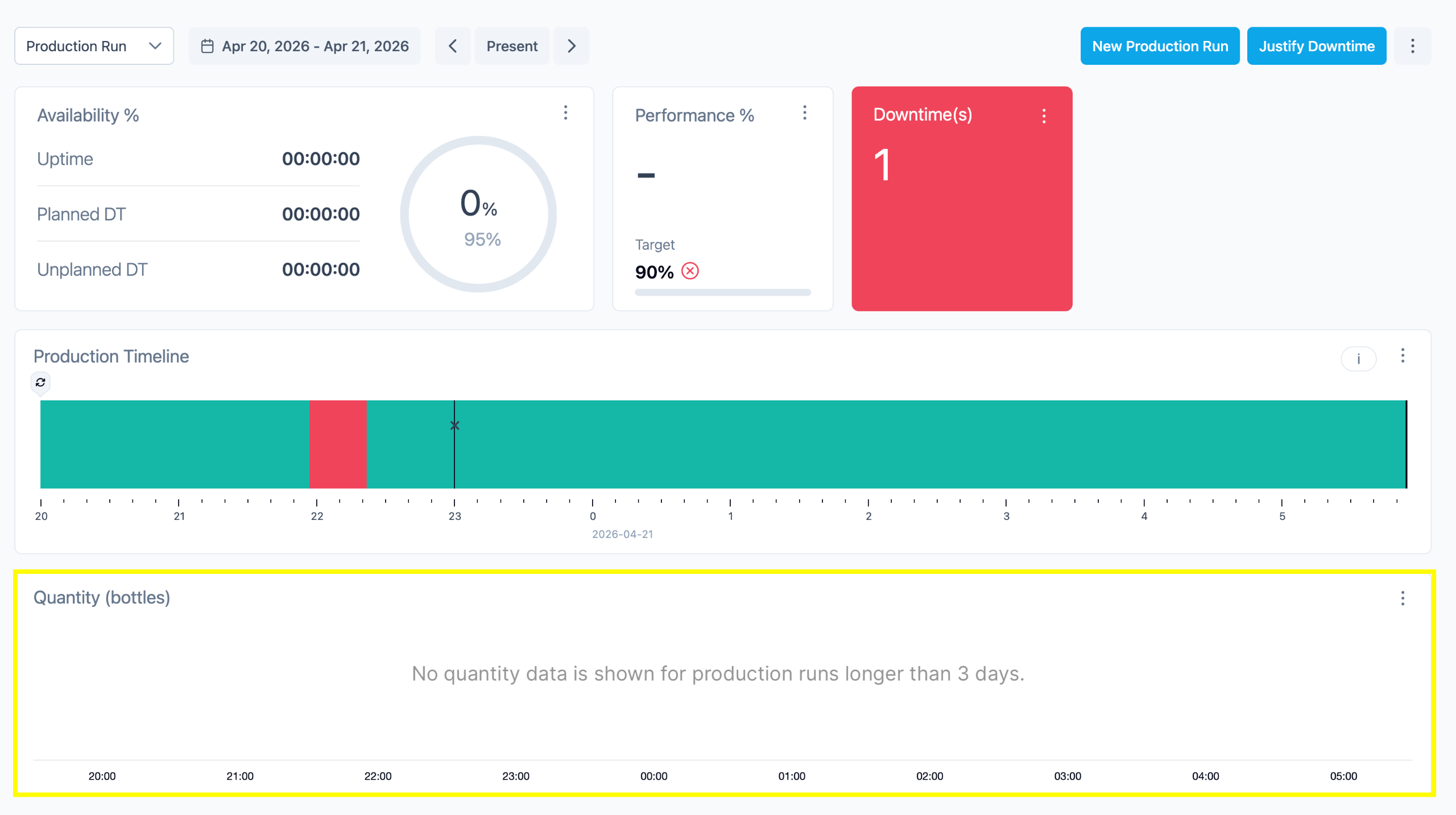
Please note, Tile+ currently restricts the display of data to Production Runs lasting a maximum of 3 days at the timeline. To optimize your navigation experience, it is recommended to input distinct Work Orders (WO) or LOT numbers, even when the SKU or product manufactured remains the same. Each entry of a new WO or LOT, even for the same product or SKU, triggers the creation of a new production run.
Changes to WO/ LOT or SKU can be Automated via an API, speak your Account Manager to learn more.