
How to Create Users
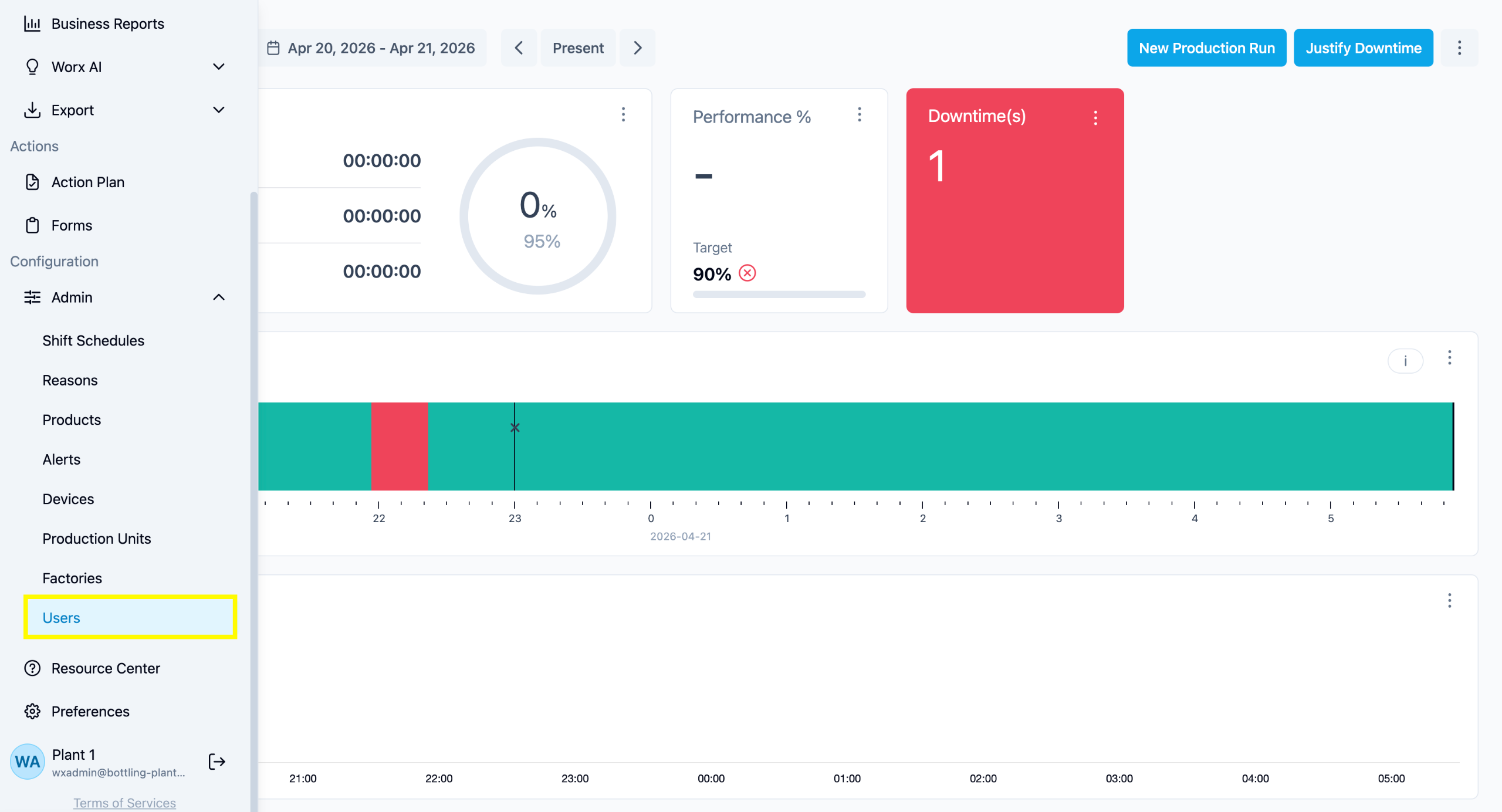
1. From any Page
Select Admin from the left menu bar, them click Users.
You will be redirected to the Users' page.
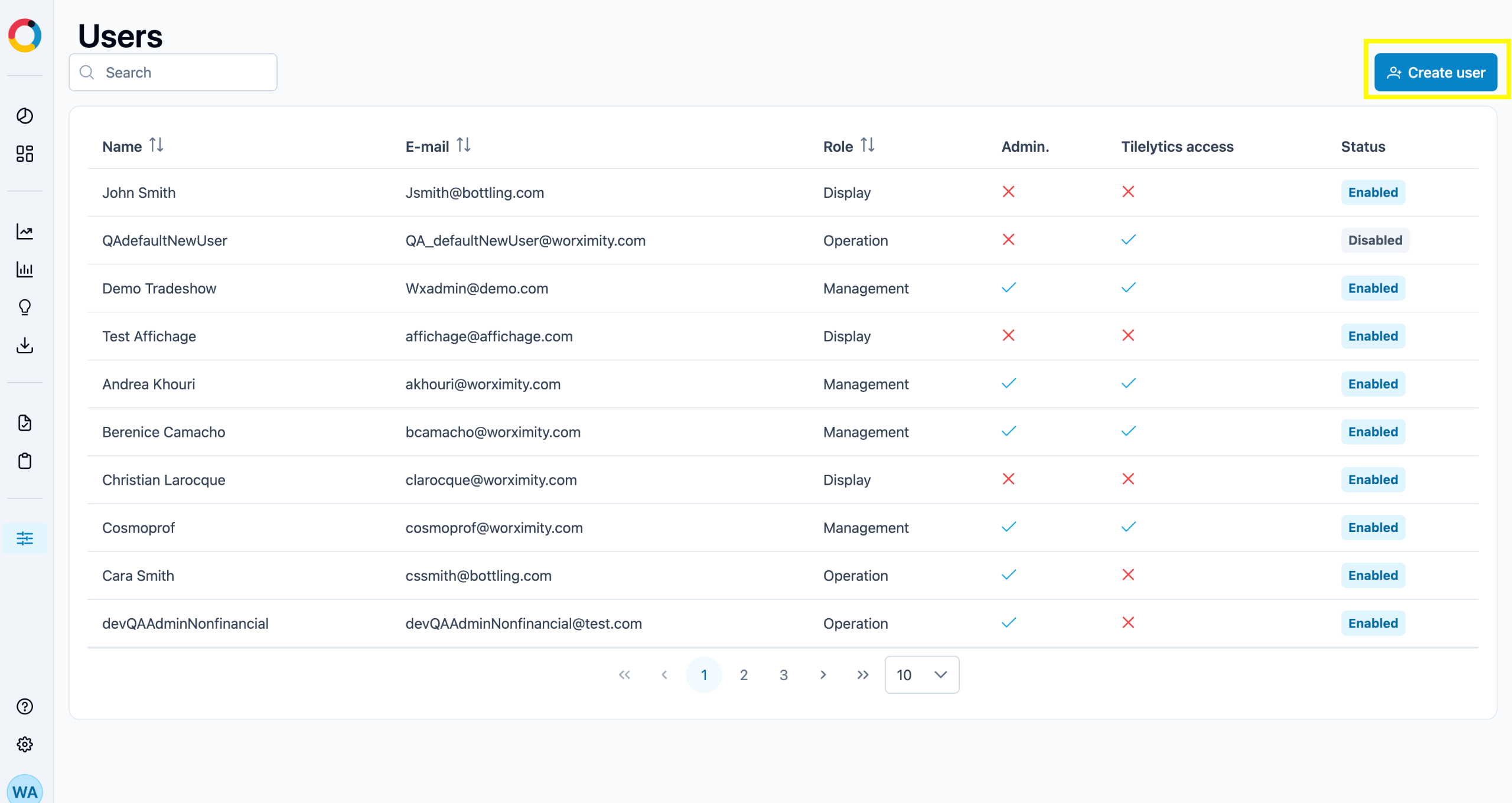
2. Users Page
To create a new user, click the “+ User” button. A “New User” dialogue box will open.
3.New User Page
Enter the user information. You will have to create a temporary password for said user and relay it to them. Click "Submit" once completed.
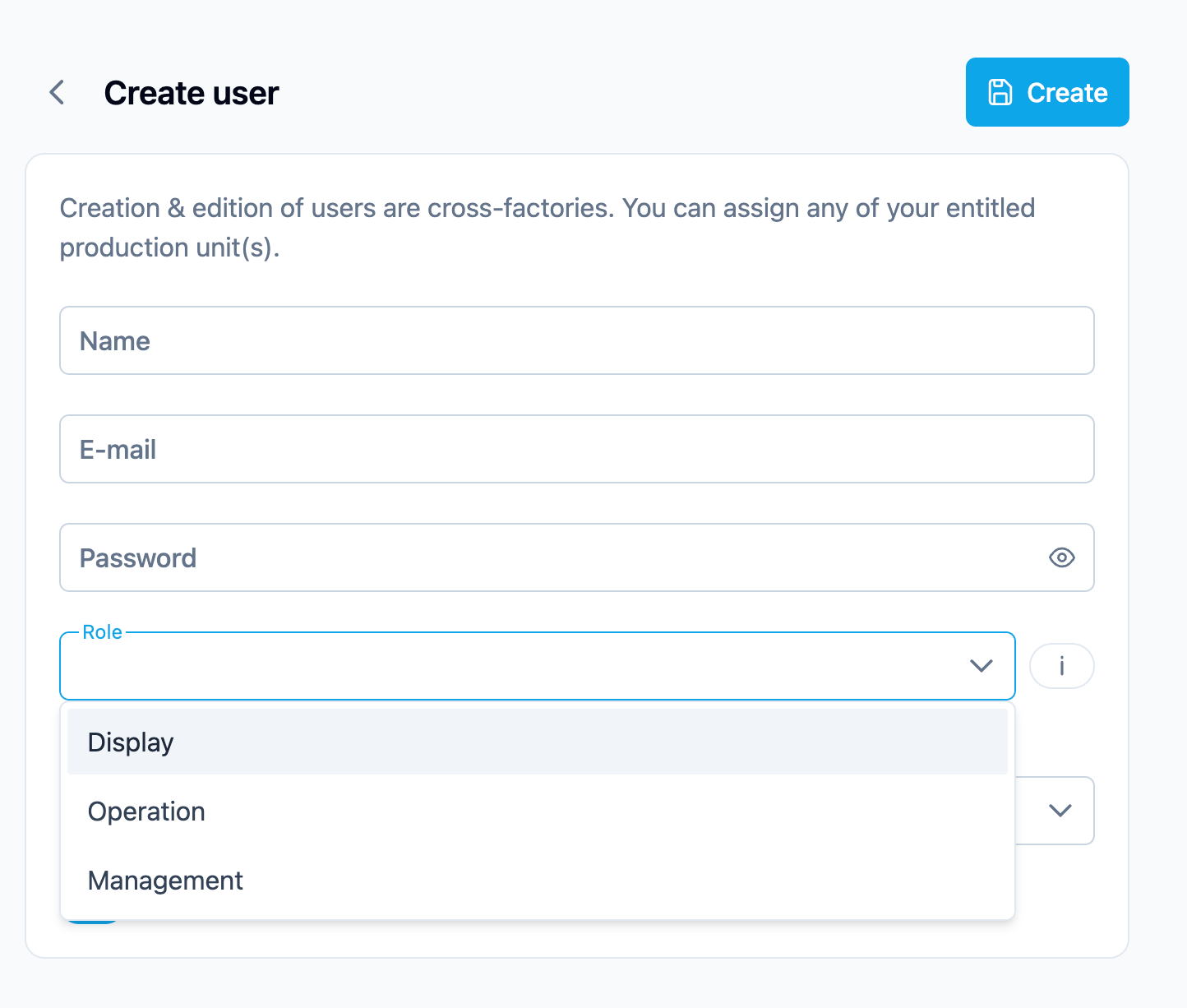
📺 Display
Display users can access the platform in read-only mode. This role is meant to be used for large screen devices such as a television. It is the only user role that has the capability of displaying production lines in carousel view while on fullscreen mode.
- Cannot change products.
- Cannot justify downtime.
- Cannot access any Admin pages.
👷♂️ Operation
Operation users have access to the Overview and Dashboard features available in the platform and may have administrator specific permissions for a specified factory.
If admin rights are enabled:
- Automatically has access to all Production Units in the selected factory
- Can access Tilelytics
- Can be granted admin rights (except user management)
If admin rights are not enabled:
- Must be assigned to specific Production Units
🧑💻 Management
Management users have full access to all the features available in the platform and can manage all factory settings, production units and users.
